
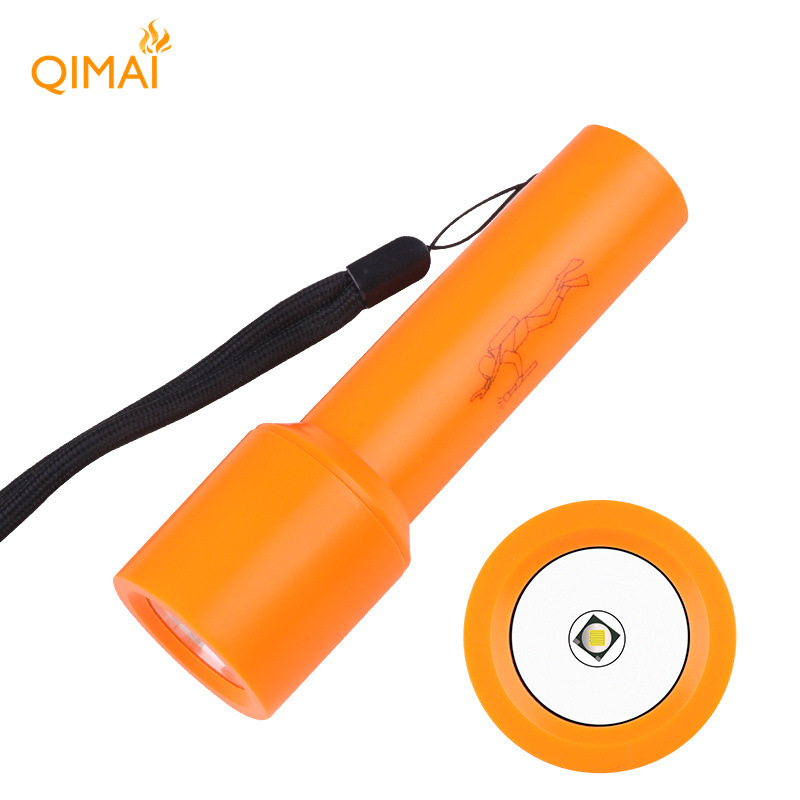

Full View
Item specifics
Item number
38765613
Item description from the seller
[Model]
D115
Light bulb
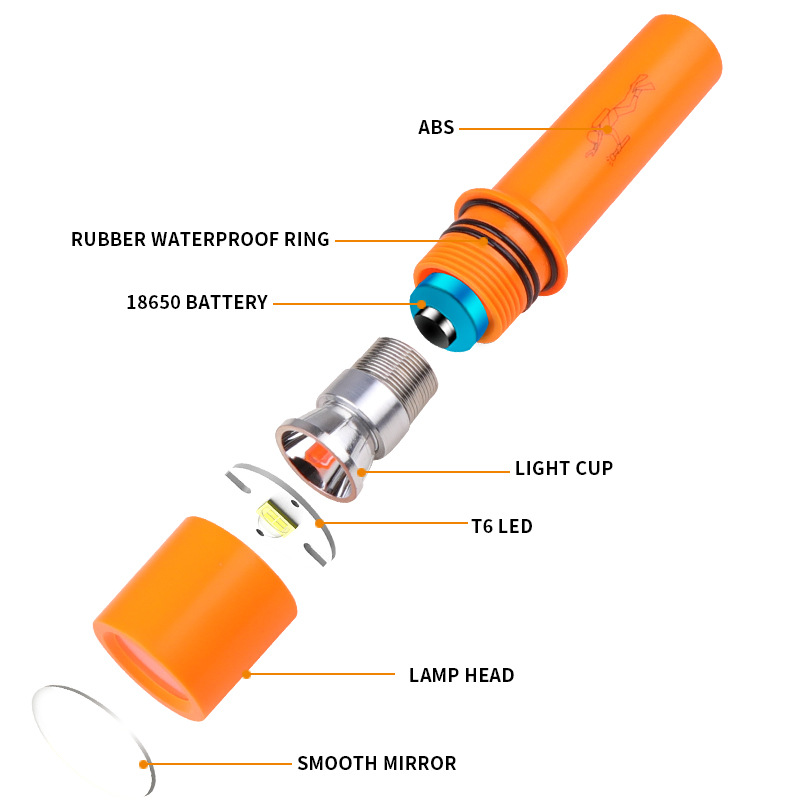
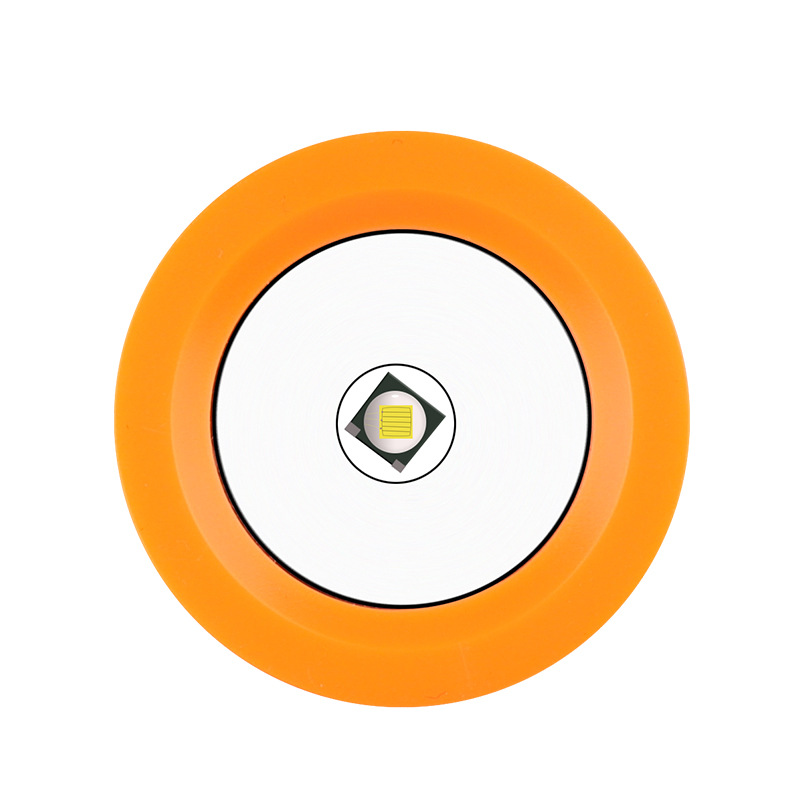
T6 LED
[Product Dimensions]
12*3.6*2.5CM
Net weight
64G
[Box size]
15*4*4CM
Gross weight
74G
[Material]
ABS
[Switch]
Rotary switch
Battery
1*18650 (not included)
[Charging method]
None
[Position]
Level 1: Strong light
Zoom Mode
Fixed focus
Waterproof rating
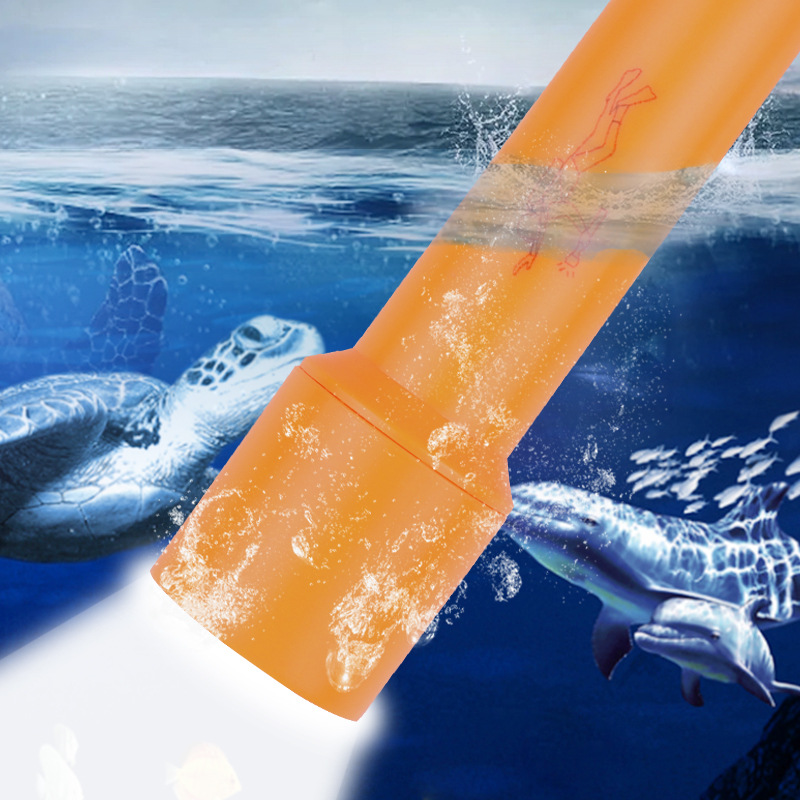
IPX8
Lumen
Lumen
Range
100- 200m
[Features]
10m Diving Compact Lightweight Durable
[Indicator light]
None
[Color]
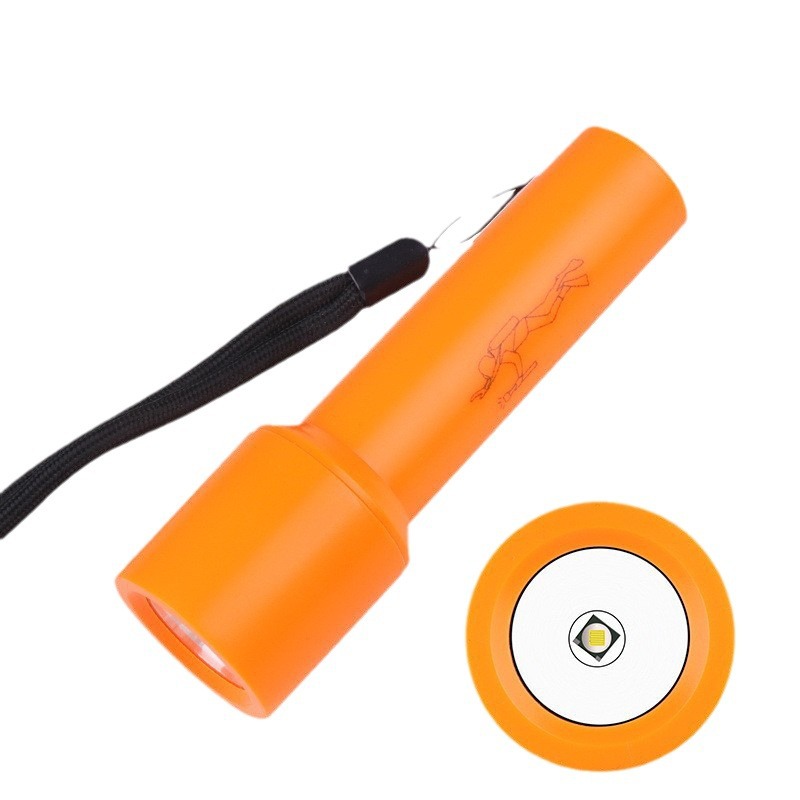
Orange
[Package includes]
Diving flashlight + tail strap + white box
1. Check the battery:
Make sure the battery has power and insert it into the flashlight in the correct direction. Do not use batteries of different brands, and do not mix old and new batteries.
2. Determine the fault:
Unscrew the back part to expose the negative terminal of the battery, then use a metal piece such as a key or tweezers to connect the negative terminal of the battery to the exposed, unoxidized part of the flashlight body, and see if it lights up.If possible, it's a problem with the flashlight switch.Please follow step 3 for inspection. If it still doesn't light up, please check the solder joints between the circuit compartment and the circuit board for any open or loose welds. If there are any, please re-solder them to resolve the issue.
3. Check the tail cover switch:
Unscrew the end of the flashlight and you will see that the outer ring of the switch cap has a switch pressure ring with two recesses. Use scissors or a sturdy pair of tweezers to insert into the two recesses and turn clockwise to check if the switch pressure ring is loose. Make sure the switch pressure ring is tightly pressed against the switch and there should be no looseness.
4. Check for poor contact:
When the flashlight does not light up or has poor contact, check whether the lamp head is loose, inspect the tail cap to ensure the switch is tightly screwed and well-connected, and ensure that the copper post of the tail cap is in good contact with the metal ring of the tail cap.
5. Other issues:
If the above methods still cannot resolve the issue, please contact our customer service, and we will assist you in resolving the problem.
Similar items
Videos
Videos for this product

Cross-Border New T6 Brightness Professional Diving Lightweight Fixed Focus Water And Land Dual-Use Outdoor High
US $25.99US $26.65
Color : D115 Diving Flashlight 1 18650

Shop with confidence

Money Back Guarantee
Get the item you ordered or your money back. Learn more
